jilibdt111 Deposit Guide: Getting Your Money In on the First Try
Read this once and you can fund your account without guessing: which method fits your phone, where the money is sent, how long the credit takes, and the exact moves that unstick a payment that never arrived.
18+ · Play Responsibly
What has to be true before you send anything
Money moves here through mobile wallets and bank transfers, not through card forms. That means the cash has to leave a wallet that belongs to you in the first place. The number you send from is the number tied to your jilibdt111 account, and the name registered on that wallet is the name on your profile.
This is not paperwork for its own sake. A payment that arrives from a friend's bKash balance, or from a SIM that is not on your account, has no clean link back to you. Those payments get parked for review instead of credited, and you end up waiting on live chat for something that a two-minute check would have avoided.
Deposits are also open before you submit any documents. You can register, top up and play today. The one-time document review only comes up later, before your first payout goes out, so there is no reason to hold back your first deposit while you look for a passport photo.
- The wallet you send from is registered in your own name and matches your account
- Your wallet balance is enough for the amount, before any provider charge
- The amount is ৳200 or more, which is the floor for every method
- You have the confirmation SMS or app screen open, ready to copy the transaction ID
One number to remember
The transaction ID is the whole game. Every deposit question we get ends in the same place: did the reference reach the cashier? When it does, credit is quick. When it does not, the money sits in the provider's system with nothing pointing it at your account.
How each payment method works
Five routes are open to players in Bangladesh. All of them post to your balance in about six minutes once the reference details line up. Pick the one your phone already has installed; there is no advantage to using a slower route.
- bKash Deposit ~6 min · Withdraw ~29 min
- Nagad Deposit ~6 min · Withdraw ~29 min
- Rocket Deposit ~6 min · Withdraw ~29 min
- Upay Deposit ~6 min · Withdraw ~29 min
- Bank Transfer Deposit ~6 min · Withdraw ~29 min
| Method | Where the money goes | Time to credit | Minimum |
|---|---|---|---|
| bKash | Send Money to the number shown in the cashier, then submit the TrxID | About 6 minutes | ৳200 |
| Nagad | Send Money from the Nagad app with the reference printed on screen | About 6 minutes | ৳200 |
| Rocket | Provider menu on the handset, then paste the TxnID into the cashier | About 6 minutes | ৳200 |
| Upay | Send Money from the Upay app, same pattern as bKash | About 6 minutes | ৳200 |
| Bank Transfer | Own bank app to the account details in the cashier | About 6 minutes after the bank confirms | ৳200 |
bKash
Choose bKash in the cashier, enter your amount, and the screen gives you a receiving number plus a reference. Open the bKash app, tap Send Money, paste the number, key in the amount and your PIN. Copy the TrxID from the confirmation screen back into the cashier before you close anything; the balance then updates inside the usual six minutes.
Nagad
Nagad runs the same pattern with one wrinkle: the confirmation screen disappears quickly and the TrxID sits lower than people expect. Note it down, then submit it. If the app logs you out halfway through, the debit usually still went through, so read your SMS before you send a second time.
Rocket
Rocket is the practical choice on a feature phone, because you can finish the whole thing from the provider menu without opening a browser. The trade-off is a shorter reference number that is easy to mistype. Read it back digit by digit from the SMS rather than from memory, and double-check the receiver number before you confirm.
Upay and bank transfer
Upay behaves like bKash, with the same Send Money flow and the same six-minute credit. Bank transfer is the one route with real delay risk: a first transfer to a new recipient can sit in your bank's own review queue, so a ৳5,000 deposit may take longer than six minutes to reach us even though we post it the moment it lands. Keep the slip until the balance changes.
jilibdt111 Deposit in five steps
The order matters. Most failed deposits are one step performed out of sequence, usually the amount or the reference.
-
Open the cashier
Sign in and tap Deposit on the wallet bar. Every method is listed with its current minimum, so you can see the ৳200 floor before you type anything.
-
Pick your method
Choose bKash, Nagad, Rocket, Upay or bank transfer. The next screen shows the receiving number and a reference code that belongs to this deposit only.
-
Enter ৳200 or more
Type the exact figure you plan to send. Amounts under the minimum are rejected before they reach the wallet, and mismatched amounts slow down the matching.
-
Confirm in your provider app
Use Send Money, not Cash Out and not Payment. Send exactly what you typed, then read the confirmation SMS once before you leave the app.
-
Submit the transaction ID
Paste the TrxID into the cashier field and confirm. The balance posts in about six minutes, and the receipt stays in your deposit history for later.
How long a deposit really takes
Six minutes is the normal gap between a confirmed send and a visible balance change. It is not instant because three things have to happen in order: the provider confirms the debit, the reference is matched against your account, and the credit posts. On a busy evening around a big match that queue runs a little longer.
If more than that has passed, open your deposit history before you contact anyone. Check that the TrxID has no spaces at the front, that the amount matches what left the wallet, and that the status line is not waiting for a reference. In most cases the money is already recorded and simply has not been matched yet.
The other direction is worth knowing now. Payouts process in about 29 minutes, with a ৳1,500 minimum and a ৳110,000 daily cap, and the first one comes with a one-time document review. The withdrawal guide walks through that side in detail.
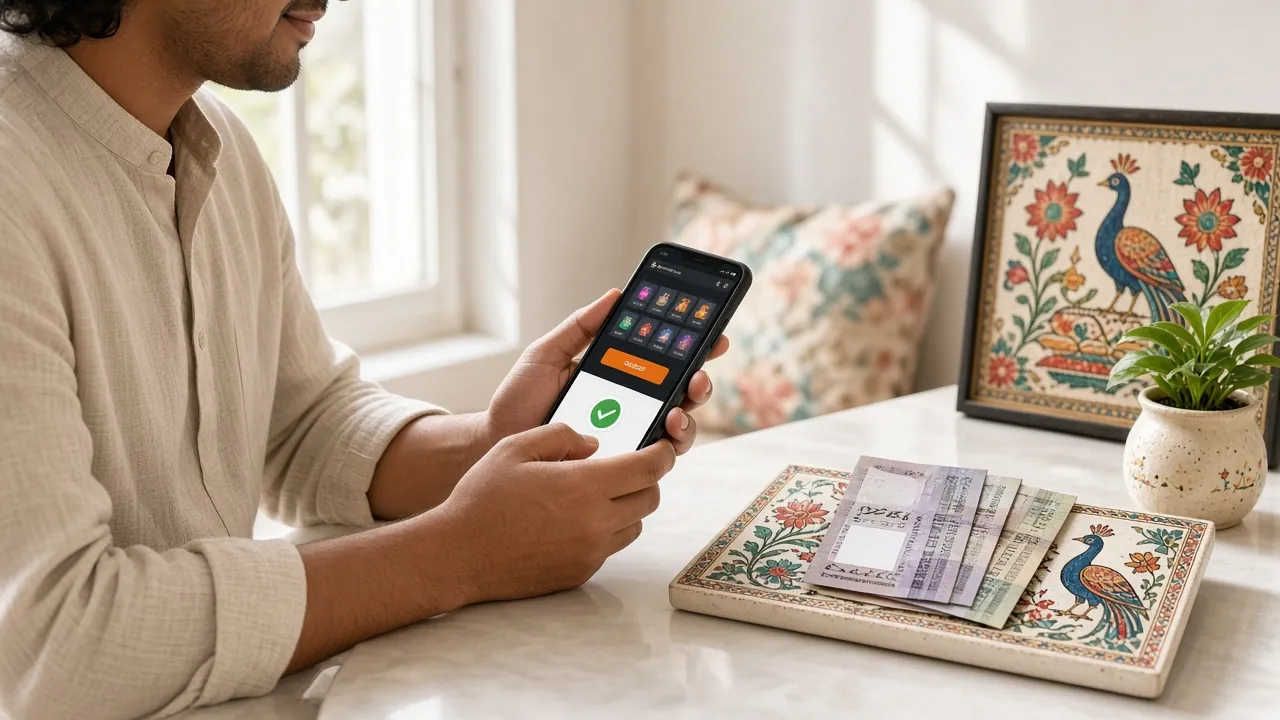
Why a deposit fails, and what fixes it
Almost every failed deposit falls into one of these cases. Read the row that matches what you see on screen before you open a chat window.
| What you see | Usual cause | What to do |
|---|---|---|
| Money left the wallet, balance unchanged | The TrxID was never submitted to the cashier | Open deposit history, paste the ID, confirm |
| Reference not recognised | A typo, a trailing space, or an ID from an older deposit | Copy it fresh from the SMS, not from memory |
| Amount below the minimum | The send was under ৳200 | Send the difference as a second deposit of ৳200 or more |
| Number not linked to an account | Sent from a wallet that is not on your profile | Use the number you registered with |
| Insufficient balance | The wallet balance is short after the provider charge | Check the wallet, not your bank account |
| Bank transfer not credited | First transfer to a new recipient held by your bank | Send the transfer slip to live chat for tracing |
| Debited twice | You resent after a timeout that had already worked | Do not send a third time; chat can trace both IDs |
One rule saves the most grief: never resend until you have checked your own SMS and the deposit history. Two payments for the same intent create a matching problem that takes longer to unwind than a single pending line. Support works around the clock in live chat, and the help centre covers the rest of the routine questions.
The bonus terms behind your deposit
The first deposit carries 135% up to ৳5,500, with a 9x wagering requirement. Read that sentence twice, because the wagering applies to the bonus and the deposit together, not to the bonus alone. A smaller deposit is often the smarter test: you learn how the balance behaves before you commit a large amount.
Later top-ups can carry a 20% reload, and play on most games returns 1.7% cashback daily. There is also a ৳300 referral bonus when someone you bring in registers and deposits. None of these stack on the same deposit, so choose the one that matches your plan for the week rather than claiming everything at once.
Withdrawing before the wagering is finished cancels the bonus and its winnings. If you want the bonus gone so you can withdraw freely, ask support to remove it before you play through more of your own money.
A worked example
Deposit ৳1,000 and take the welcome offer:
- Bonus added: ৳1,350
- Playing balance: ৳2,350
- Wagering at 9x: ৳21,150 in total bets
Full terms sit on the bonus and VIP page.
Keeping top-ups simple on a busy day
Most players deposit on a phone, often on mobile data, often in a hurry before a match starts. That combination is where small mistakes happen. A few habits remove nearly all of them.
- Save the wallet app on the home screen so you are not logging in through a browser
- Deposit before the match, not during the toss, when the queue is longest
- Keep one wallet for this account only, so the sender number never changes
- Write the TrxID in a note if copying between apps feels unreliable on your handset
- Take screenshots of both the wallet confirmation and the cashier receipt
If you top up often, the app removes a step: it keeps you signed in, so the cashier opens directly and the reference field is already waiting. The app page has the APK and the install steps for Android 7.0 and above.
Set your own limit first
Decide the amount before you open the app. Depositing in small top-ups while chasing a loss is the pattern worth interrupting, and the responsible gaming page explains the tools available if that starts happening.
Questions about jilibdt111 deposit problems
01What is the smallest deposit I can make?
02How fast does a jilibdt111 deposit reach my balance?
03Can I send from a friend's bKash or Nagad number?
04The money left my wallet but the balance is still empty. What now?
05Do I need to upload a document before depositing?
06Can I split a deposit across two payments?
07Which method should I use for a quick top-up on mobile data?
Ready to make the first one count?
Create an account, top up with bKash, Nagad, Rocket, Upay or a bank transfer from ৳200, and the welcome offer lands on that first deposit. Keep the TrxID close until the balance moves.